Lenovo Moto Z special features
MotoMods: the new distinctive feature from Lenovo
The Lenovo Moto Z can be customized with Mods. Lenovo has developed a proprietary interface, which is the same format found on the Moto Z Play. On the back, you can attach different Mods to the Moto, which are held in place by considerably strong magnets – the Mods are unlikely to fall off or slip. The electrical contacts are located in the lower third of the back of the smartphone. When a MotoMod is docked, a vibration confirms that the module was recognized and paired with the system.
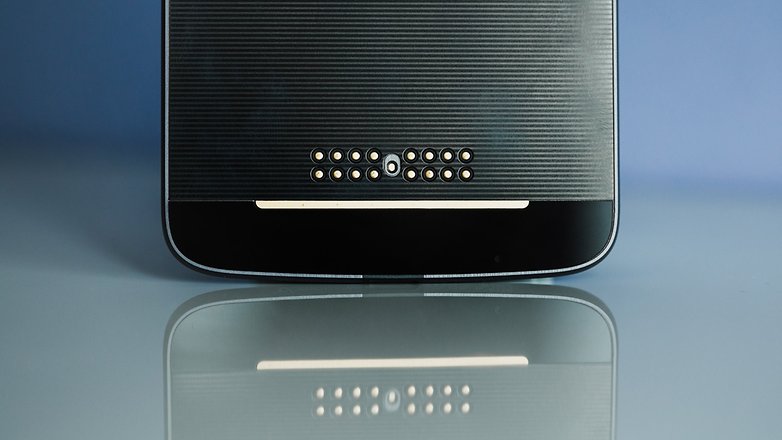
We have two MotoMods in the newsroom and have already seen a third. We’ll report on further detailed tests of the modules in the near future. Nevertheless, we already have some insights here, because no Moto Z test would be complete without saying a few words about the Mods. The following have been announced, or are already available:
- JBL SoundBoost (loudspeaker)
- Moto Insta-Share Projector (projector)
- Incipio Power Pack (battery pack with 2,220 mAh)
- Hasselblad True Zoom (camera module)
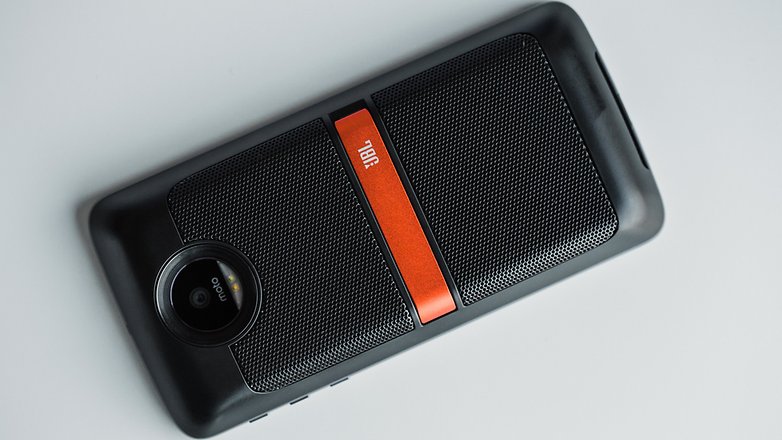
The JBL SoundBoost MotoMod
The SoundBoost module was developed in collaboration with the audio specialists at JBL and transforms the Moto Z into a portable loudspeaker; also stuck into the module are a few additional battery cells. In the test, the module was especially a pleasant addition for games. Firstly, because it makes the smartphone better to grip, and secondly, because it gives the Moto Z a considerably better and more powerful sound. The sound power and quality are not good enough, however, to fill a room with music very well. A small kickstand is installed on the back so that the speakers can better broadcast the sound.
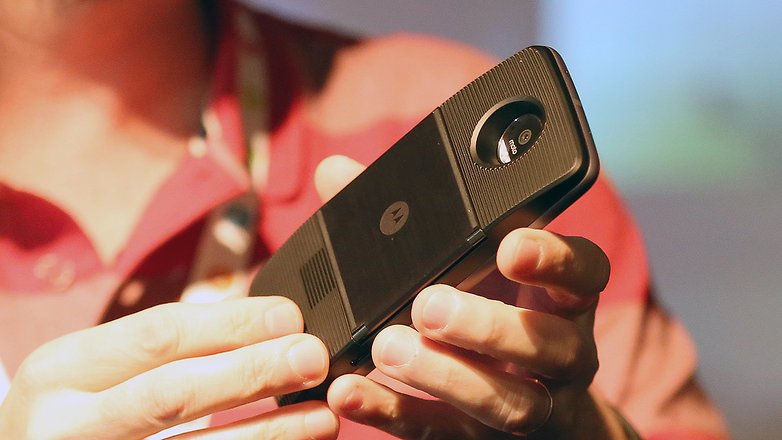
The Moto Insta-Share Projector module is a projector that’s already known from Lenovo tablets. This module is especially handy for businessmen and women who need to offer presentations for customers. Instead of packing a laptop and a projector, you only need your Moto Z and this MotoMod on a business trip. The transfer of the image to be projected from the Moto Z to the MotoMod is initiated via Lenovo Smart Cast. The projector only has a maximum resolution of 854 x 480 pixels, which is adequate for presentations. We will dedicate a separate review to the Insta-Share Projector module, which should appear in the next week.
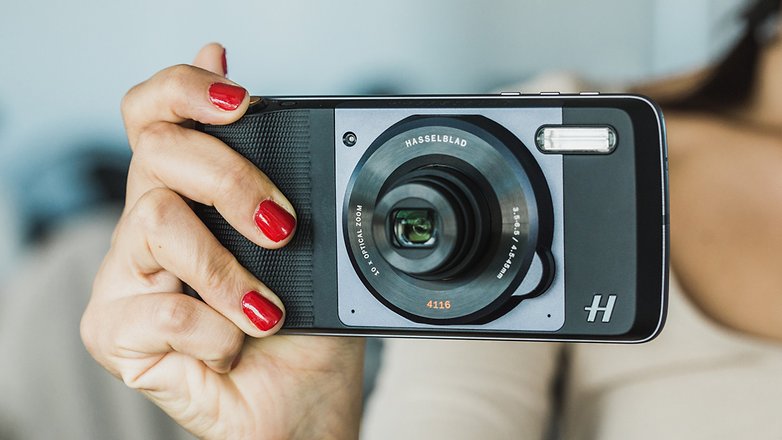
We were also able to try the Hasselblad Camera MotoMod a little as wel. We did, however, find some serious problems with it, so we are refraining – for the time being – from offering a review. As a result, we recommend that those who are interested in the camera module wait a little while before deciding to purchase it.
MotoMods: Are They Really All They Claim to Be?
Technically, the MotoMods are superb. But do they also make sense for everyday use? Users need to form their own opinions as to whether the investment in the MotoMod platform makes sense or not. MotoMods supplement the Moto Z with features that could hardly be integrated into the smartphone. You can also obtain the above-mentioned functions without MotoMods: There are compact loudspeakers. There are mobile projectors. There are power banks. These functions are available with other hardware accessory gadgets, but they don’t fit quite as compactly on a smartphone. However, they are cheaper
Lenovo is tying buyers of MotoMods more closely to its own products: for example, whoever buys the Insta-Share Projector might want to use it with their next smartphone. But, then it will have to be a Mod-compatible smartphone – in all probability, the only choice will then be between various Lenovo smartphones.
Additional Mods are expected to appear in the coming months – but no devastatingly creative Mod has yet emerged. The Mods are, ultimately, a long-term bet that can pay off; but not necessarily.
Bye-bye Analog Audio Connection
Due to the extremely flat design, the typical 3.5-mm analog audio port is missing from the Moto Z. For those who want to connect 3.5-mm analog headphones, Lenovo lets you use a USB Type-C adapter. According to LeTV One, One Pro, and LeTV Max 2, the Moto Z is the fourth smartphone that says “bye-bye” to the analog audio signal. Apple has already done so with its iPhone 7.
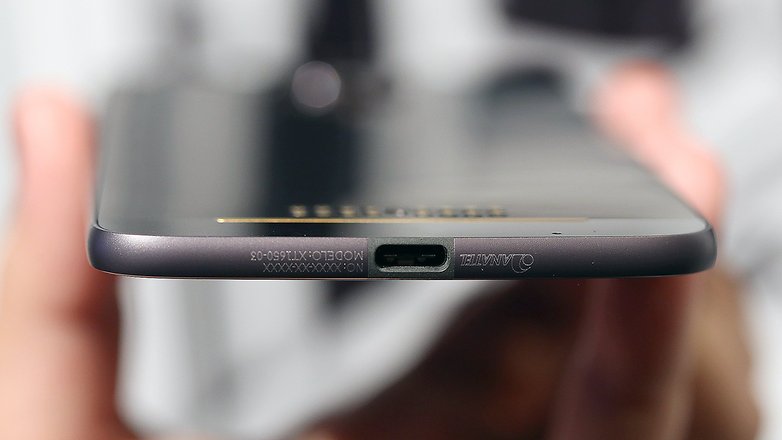
The adapter is rather impractical for mobile use. A USB-C headset is not included with the smartphone – which is quite incomprehensible. For mobile use, you therefore need to buy a USB-C headset – at least if you do not want to mess around with an adapter.
No comments:
Post a Comment